
Table of Contents
Why Page Speed Matters for SEO
Page speed is a Google ranking factor. Faster websites rank higher. But speed also affects user experience. Visitors leave slow sites. This increases bounce rates and hurts conversions.
In 2026, users expect instant loads. If your site takes more than 3 seconds, you are losing customers.
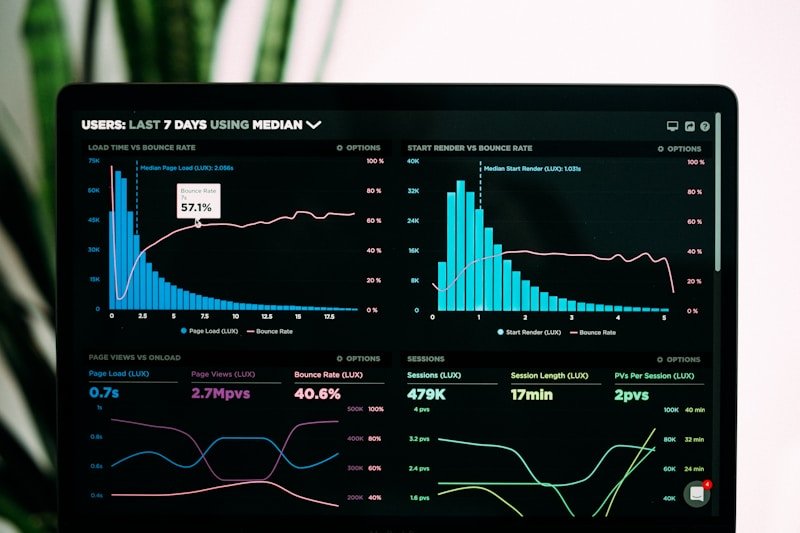
Google Core Web Vitals
Google measures page speed with Core Web Vitals:
Largest Contentful Paint (LCP)
How fast does the main content load? Target: Under 2.5 seconds.
First Input Delay (FID)
How fast does your site respond to user actions? Target: Under 100 milliseconds.
Cumulative Layout Shift (CLS)
Does your layout shift while loading? Target: Under 0.1.
How to Improve Page Speed
1. Optimise Images
Compress images and use modern formats like WebP. Lazy load images below the fold.
2. Use Caching
Browser caching and server-side caching dramatically improve speed.
3. Choose Good Hosting
Cheap hosting is slow hosting. Invest in quality hosting.
4. Minimise Code
Remove unnecessary JavaScript and CSS. Minify your code.
5. Use a CDN
A Content Delivery Network speeds up delivery worldwide.
6. Update Regularly
Keep WordPress, themes, and plugins updated.
Testing Your Page Speed
Use these free tools:
- Google PageSpeed Insights
- GTmetrix
- Google Search Console
Need help speeding up your site? Get in touch today.
Related: Also check out our technical SEO checklist for more optimization tips.

